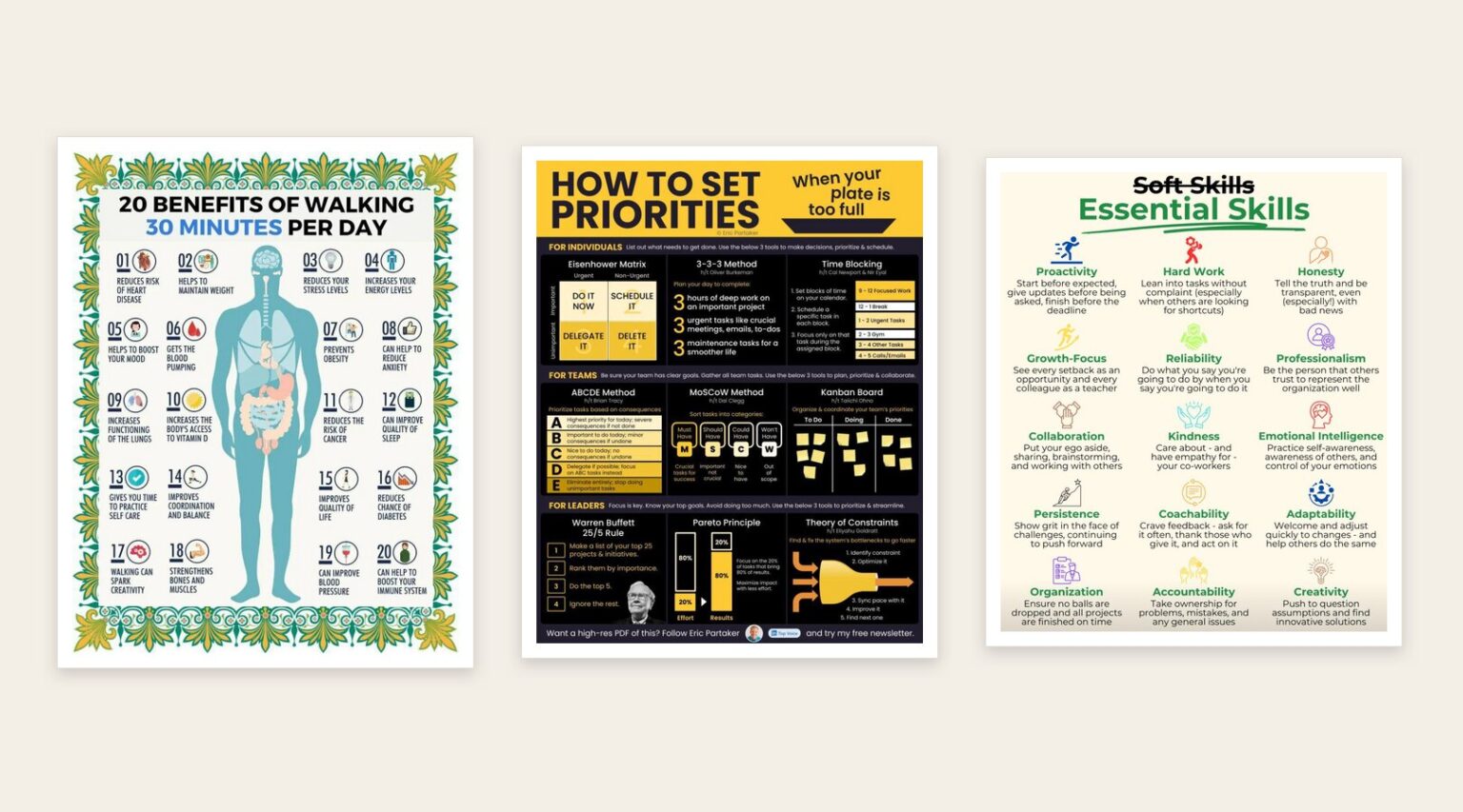
How To Make An Infographic In Word
To make an infographic in Word, set the page orientation first, then build the graphic from the Insert tab. Use SmartArt for processes and timelines, Shapes and text boxes for the sections, Icons for the pictures and Chart for your numbers. Line everything up with Align, then save the page as a PDF or save each graphic as a PNG. Use the desktop app, because Word for the web has no SmartArt or charts.
